
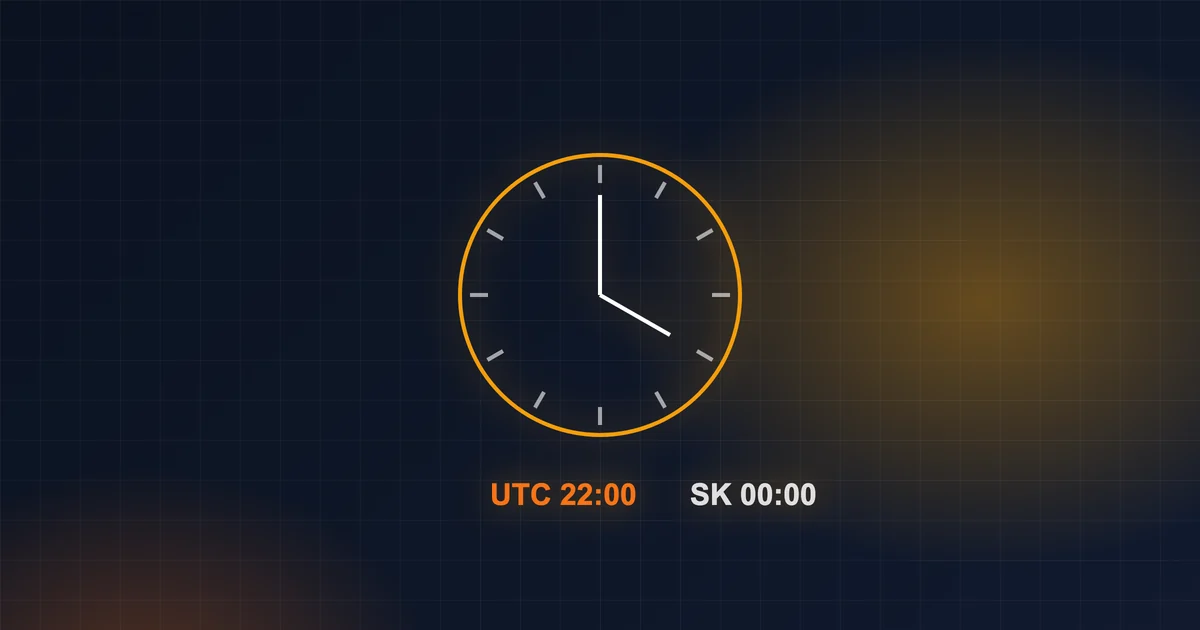
In short: In both SQLite and Cloudflare D1, datetime('now') returns the time in UTC, not Slovak time. That's why “today's” records between midnight and two in the morning belong to yesterday. The solution: one format and one time zone in the database, normalise when comparing, and calculate “today” in the local time zone.
If you have ever dealt with a bug like “a record from yesterday shows up today” or “something only fails between midnight and two in the morning”, this article is for you. Time zones are one of the most treacherous classes of bugs — and SQLite (and therefore Cloudflare D1 too) will happily let you walk right into them.
The basic fact: datetime('now') is UTC
SELECT datetime('now');
-- 2026-10-20 06:15:00   ← UTC, not Slovak time
SQLite has no “server time zone”. The functions datetime('now'), date('now') and CURRENT_TIMESTAMP return UTC. In Slovakia, that is one hour behind local time in winter and two hours behind in summer.
As long as it stays in the database, nothing happens. The problem arises when you compare that time with something in local time — for example with a date entered by the user.
Typical bugs
1. “Today's” records
SELECT * FROM hovory WHERE date(zaciatok) = date('now');
If you store zaciatok in Slovak time, then between midnight and two in the morning (in summer) date('now') still thinks it is yesterday. A call at 0:40 won't show up among today's calls.
2. Mixing formats
One piece of code stores 2026-10-20T06:15:00Z (ISO with T and Z), another 2026-10-20 08:15:00 (without a time zone). Comparing the text then returns nonsense, because “T” and a space sort differently.
3. Summer and winter time
The “two hours” offset only applies in summer. Anyone who has +2 hours hard-coded has, once a year, a bug that lasts half a year.
How to do it right
Rule 1: one format, one time zone in the database
The simplest approach: store everything in UTC and in a uniform format (ISO 8601). Convert to local time only when displaying.
// saving
const kedy = new Date().toISOString()   // "2026-10-20T06:15:00.000Z"

// displaying
new Date(kedy).toLocaleString('sk-SK', { timeZone: 'Europe/Bratislava' })
Rule 2: normalise when comparing
If you already have a mix of formats in the database, datetime() will unify them:
SELECT * FROM zaznamy
WHERE datetime(vytvorene) BETWEEN datetime(?) AND datetime(?);
Rule 3: calculate “today” in the local time zone
Calculate the day boundaries (midnight to midnight) in the application for Europe/Bratislava, convert them to UTC and send them to the query as parameters:
import { fromZonedTime } from 'date-fns-tz'

const PASMO = 'Europe/Bratislava'
// today's date as a person in Slovakia sees it: "2026-10-20"
const den = new Intl.DateTimeFormat('en-CA', { timeZone: PASMO }).format(new Date())

// day boundaries converted to UTC — these go into the query
const od = fromZonedTime(`${den} 00:00:00`, PASMO).toISOString()
const doo = fromZonedTime(`${den} 23:59:59.999`, PASMO).toISOString()

await db.prepare('SELECT * FROM hovory WHERE zaciatok BETWEEN ? AND ?').bind(od, doo).all()
The “local midnight → UTC” conversion is exactly where it pays to use a proven library (date-fns-tz, Luxon) rather than your own “+2 hours” arithmetic. The library knows when daylight saving time applies. JavaScript is gradually getting the new Temporal API, which handles this directly — until you have it everywhere your code runs, reach for a library.
Rule 4: the server isn't in Slovakia
Cloudflare Workers, most clouds and CI run in UTC. Code that “works on my machine” because your Mac is set to Slovak time will fail on the server. Test with the time zone set:
TZ=UTC npm test
A test that reveals most bugs
Whenever you do anything with dates, try these moments:
- 23:30 and 0:40 local time,
- the last day of a month and the first day of the next,
- the night of the clock change (end of March, end of October),
- 31 December → 1 January.
If the application survives these four situations, it will survive almost anything.
Frequently asked questions
Should I store time as text or as a number?
SQLite supports both. Text in ISO 8601 format is readable and sorts well; a number (Unix time) compares quickly. More important than the choice is applying it consistently everywhere.
What about a date without a time — for example a birthday or an invoice due date?
Store it as a plain YYYY-MM-DD date without a time zone. The due date is the same day in Bratislava and in Tokyo — don't drag it through UTC, or the conversion will shift it by a day.
How do I test the night of the clock change without waiting for October?
Date and time libraries let you substitute any “now”. In your tests, set a specific moment and time zone and check the result.
In conclusion
Time looks simple until you have users, a server and a database in three different “realities”. Have one rule — UTC in the database, local time on the screen — and stick to it everywhere. You'll save yourself the nights I once lost.
Source: SQLite, Date And Time Functions, sqlite.org/lang_datefunc.html.