


This Is the Article Title
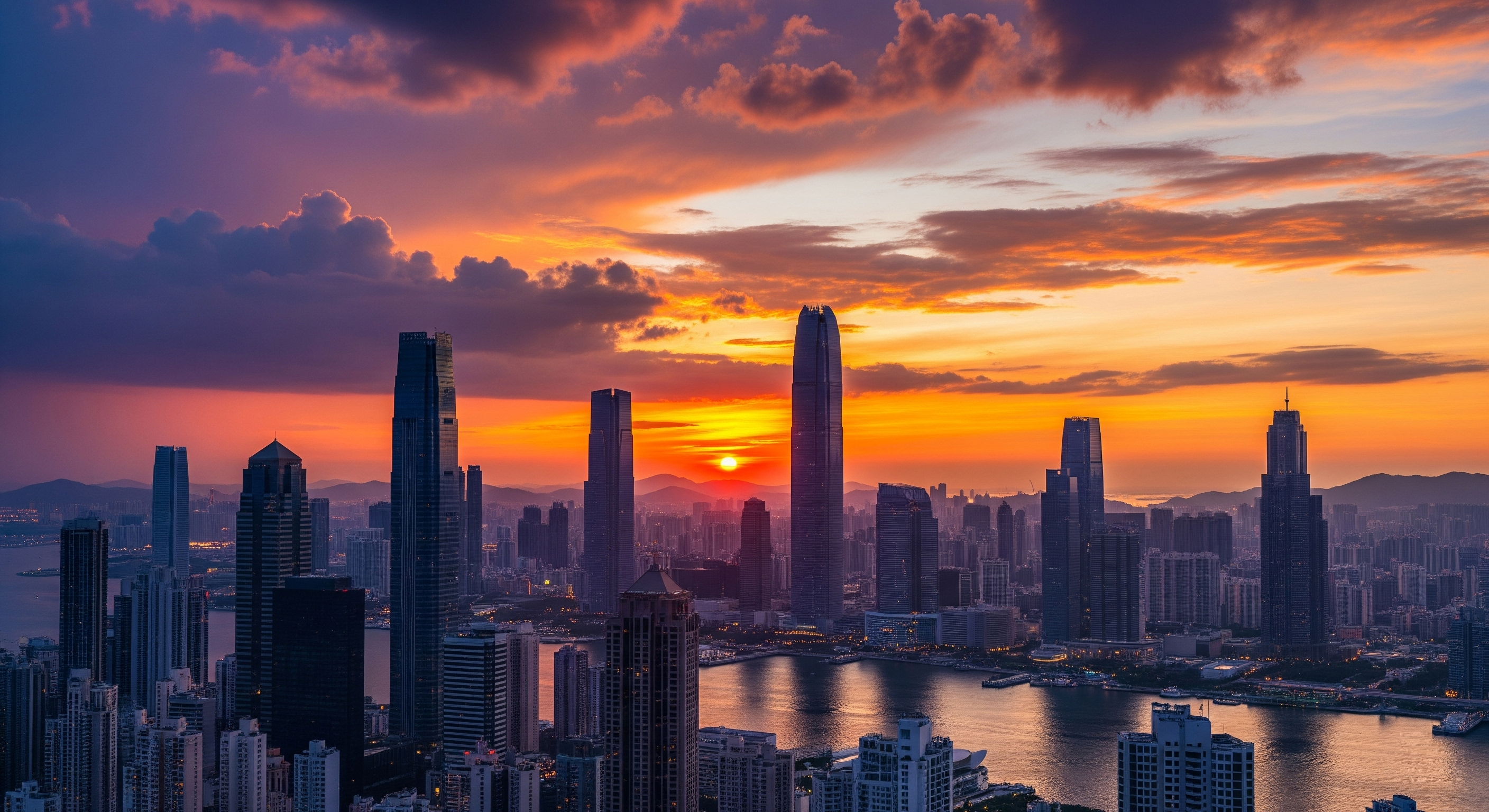
Here’s the introduction text for the article.
This image above will appear on the left, and the text will flow around it on the right.
It’s perfect for a main introductory image of your post.
You can continue writing more paragraphs freely.
Subheading – Second Level
This image appears on the left, and the text flows around it on the right.
The next image (third one) will automatically appear on the opposite side.
Sub-subheading – Third Level
You can add more text here.
This image is shown on the right, because it’s an even-numbered image (the second after the main one).
Full-Width Image
If you want the image to span the entire page width, simply add the word "full" in the alt text:
Image Gallery
To create an image gallery, use "gallery" in the alt text:
Other Markdown Elements
Bulleted List
- First item
- Second item
- Third item
Numbered List
- First step
- Second step
- Third step
Quote
This is a quote or an important note displayed with different formatting.
Code
You can include inline code or a full code block:
<?php
echo "Hello World!";
?>
4. Image Naming Convention
Place your images into blog/posts/img/ with the following naming structure:
- Main image:
ako-som-vytvoril-portfolio_titulka.jpg - Article images:
ako-som-vytvoril-portfolio_clanok-1.jpg,ako-som-vytvoril-portfolio_clanok-2.jpg - Full-width image:
ako-som-vytvoril-portfolio_full.jpg - Gallery:
ako-som-vytvoril-portfolio_galeria-1.jpg,ako-som-vytvoril-portfolio_galeria-2.jpg
5. Prompt for AI Assistant
When you want to generate an article with AI, use this prompt:
Create a markdown article about [YOUR TOPIC].
Format:
- Main heading (H1)
- First image with alt text "Main image"
- Intro paragraph (2–3 sentences)
- Subheadings (H2, H3) for structure
- Use images with alt text like "Second image", "Third image", etc.
- For galleries, use alt text "gallery - description"
- For full width, use alt text "full - description"
- Image filenames: slug_titulka.jpg, slug_clanok-1.jpg, etc.